
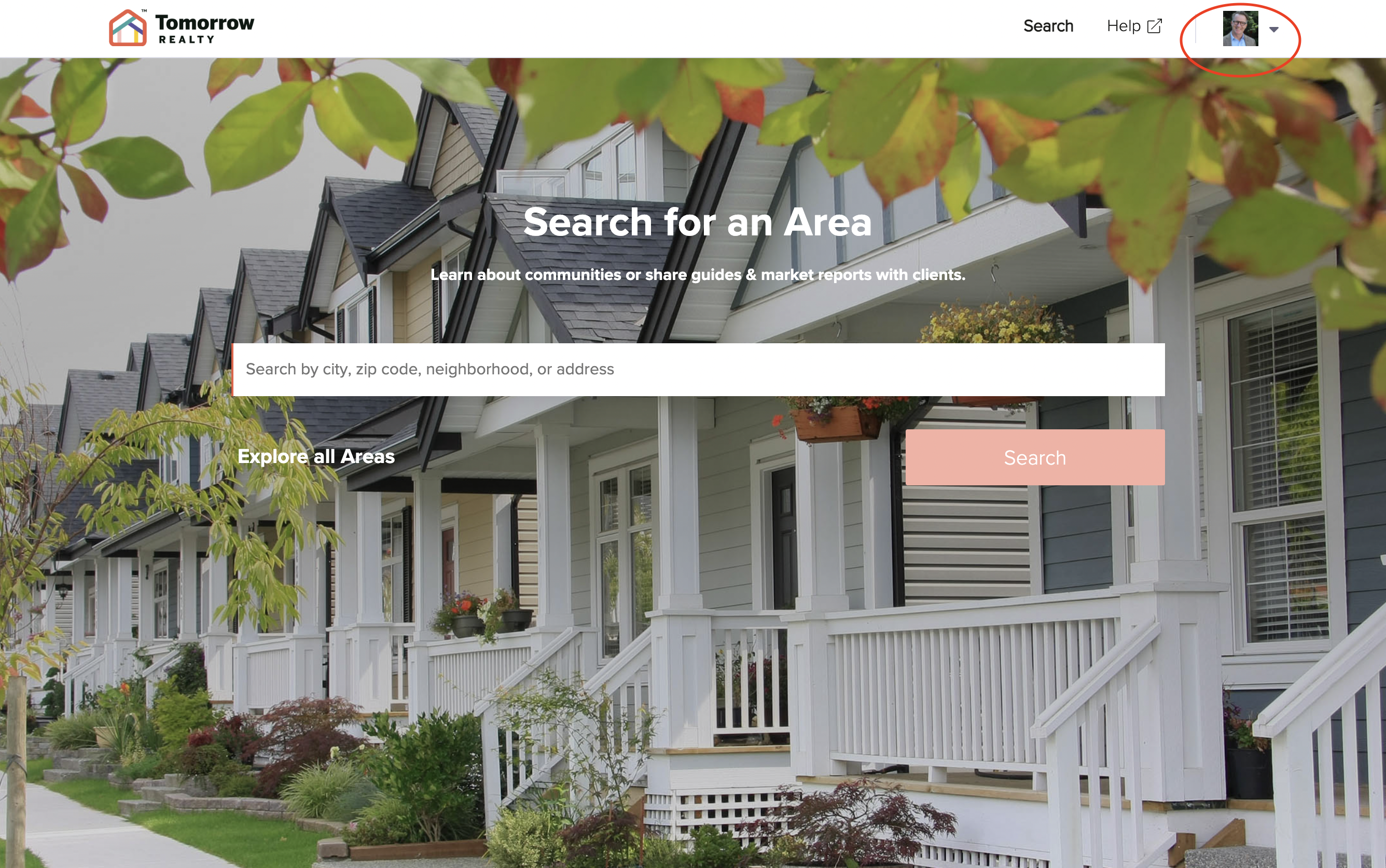
To update your LiveBy Local profile, click on the “profile” icon in the upper right corner of your screen.
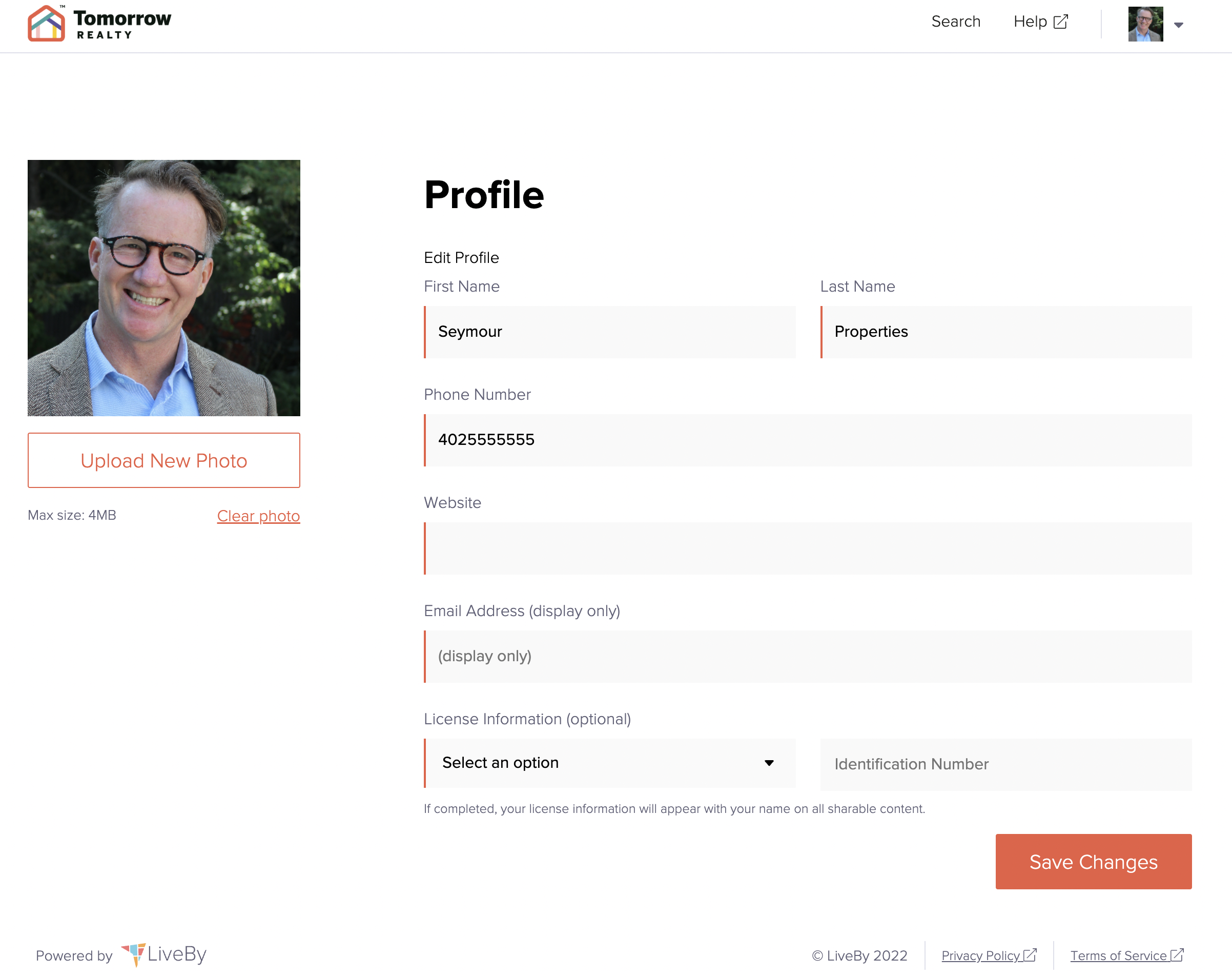
Here you can change the name, email address, phone number, and website that is displayed on your account. You can also upload a new profile photo here. Please note that the maximum file size for your profile photo is 4 MB.
Comments
0 comments
Please sign in to leave a comment.